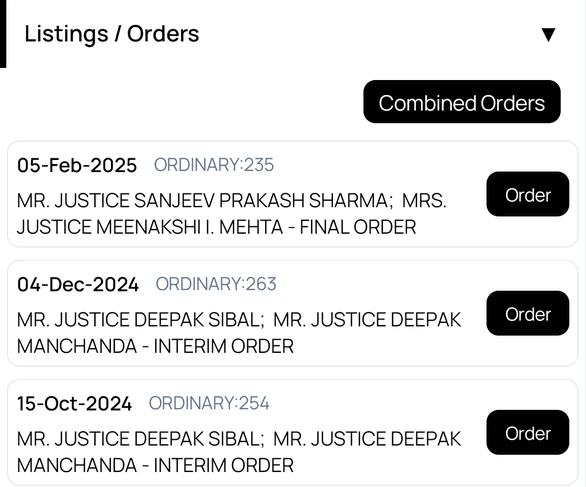
Download combined orders
- Open a case and scroll to Listings / Orders.
- Tap Combined Orders.
- Wait while the orders download. They are joined into one PDF that you can view, save, or share.
To open a single order, tap Order next to its date. See View orders and case details.
Plan: combined orders downloads depend on your plan. If your plan does not include them, or you reach the daily limit, Court Assistant tells you and suggests upgrading.
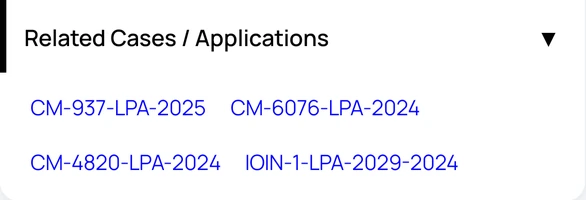
Open related cases and applications
- On the case details screen, tap Related Cases / Applications to expand it.
- Tap a case number to open that matter.
Related matters come from the court record, such as applications filed in the main case.