Add the case
- Open Cases and tap the folder where the case should go.
- Tap in the top title bar and select Add Custom Case.
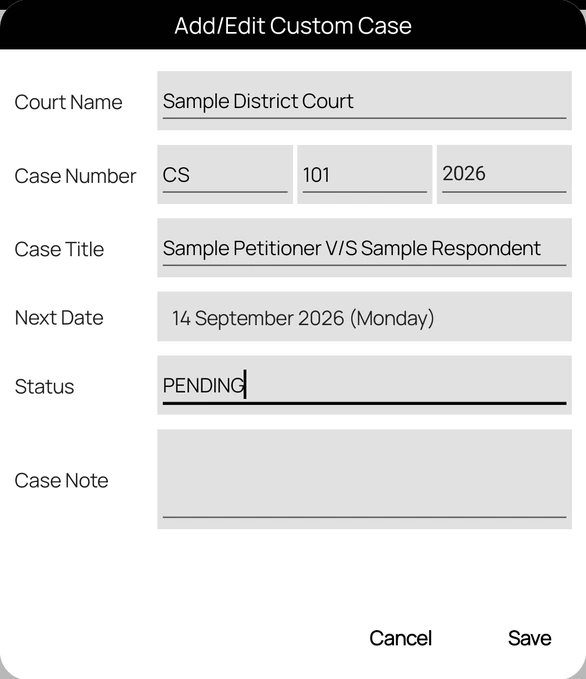
- Enter the Court Name.
- Under Case Number, enter the case type (for example CRM), the number, and the year.
- Enter the Case Title, for example Party V/S State.
- Set the Next Date, and add a Status and Case Note if you want.
- Tap Save. You will see "Case added to the folder".
Availability: Add Custom Case appears only when custom cases are enabled for your account.
If the case is not saved
- "Court Name is required and must be at least 5 characters.": enter the full court name.
- "… cannot contain spaces.": the case type, number, and year must not contain spaces.
- "Case Title is required.": enter the parties or a short title.
Court Assistant does not update custom cases from the court. Keep the next date and status up to date yourself.