Open the display board
- Open the app home screen.
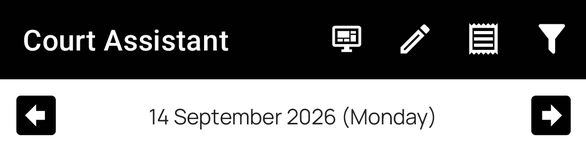
- Tap Board in the top toolbar.
Availability: the Display Board currently supports only Punjab & Haryana High Court. The Board action appears when the feature is available on your account, you have a Punjab & Haryana High Court case in your folders, today's date is selected, and it is between 9:00 AM and 9:00 PM IST on Monday to Saturday.
Read the board
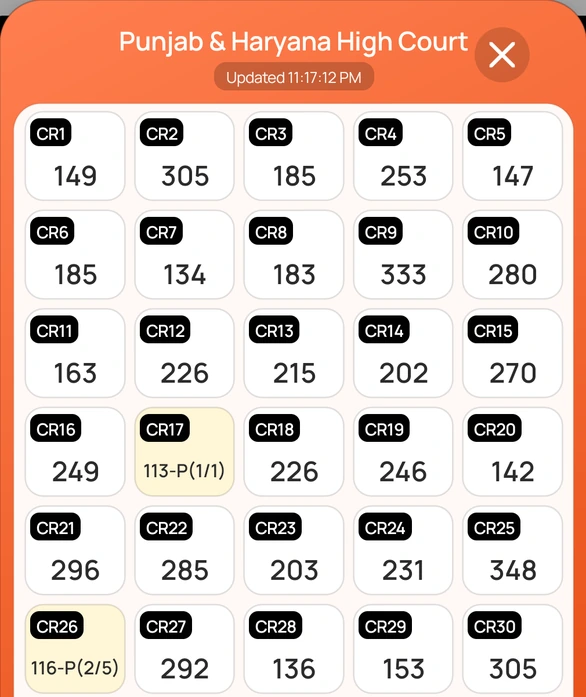
- Each card is a court room, labelled CR with the room number.
- The large number is the item currently being taken up in that room.
- A yellow card shows a passover, such as 113-P(1/1).
- A grey card means the court is not in session.
- Updated under the court name shows when the board was last refreshed. It refreshes automatically while open.
Tap ✕ to close the board.
Hybrid hearings
When your case is listed in a court room, tapping that court room from your listed case opens its details, including VC Link for Hybrid Hearing to join by video.