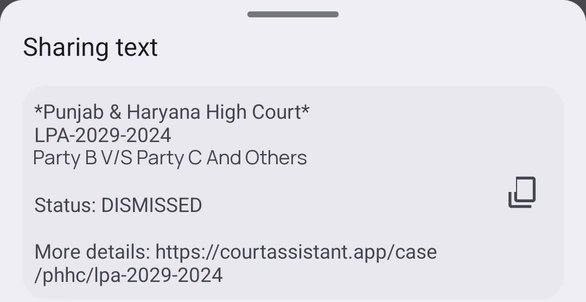
Share from case details
- Open a case from a folder, search, or the cause list.
- Tap Share in the top title bar.
- Choose the app or person to share with.
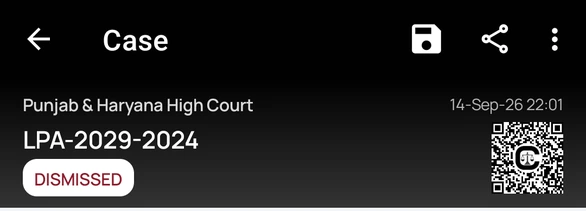
What is shared
- The court name and case number.
- The parties.
- The FIR and location, when the case has them.
- The current status.
- A More details link to the case page on courtassistant.app.
Your notes, tags, and files are never included.